
![[aggregator] downloaded image for imported item #18660](https://newsview.top/wp-content/uploads/2026/01/smartphone-photo-1-1024x576.jpg "How to share your estimated arrival time on iPhone and Android")
This post was originally published on this site.
Sharing your estimated time of arrival (ETA) lets others know when to expect you without constant check-ins.Apple Mapsand Google Maps both include built-in tools that send live arrival updates while you drive.Once turned on, the updates run automatically.That means fewer distractions and safer trips.
Sign up for my FREE CyberGuy Report
Get my best tech tips, urgent security alerts and exclusive deals delivered straight to your inbox.Plus, you’ll get instant access to my Ultimate Scam Survival Guide — free — when you join my CYBERGUY.COMnewsletter.
NEVER LOSE YOUR CAR WITH MAPS PARKING TOOLS

Apple Maps and Google Maps let drivers share live ETAs, so contacts can track arrival times without constant texts or calls.(Photographer: David Paul Morris/Bloomberg via Getty Images)
Why this feature makes everyday travel easier
Sharing your ETA is quick and practical.It lets contacts know you are on your way and see your updated arrival time in real time.It also adds peace of mind during late nights, long routes or unfamiliar areas.Most importantly, you stay focused on moving safely instead of responding to messages.
We tested these steps using aniPhone 15 Pro Maxrunning iOS 26.2 and a Samsung Galaxy Android phone running Android 16.Make sure Apple Maps or Google Maps is installed and updated to the latest version.
Enable Share ETA Permissions on iPhone
Before starting navigation, confirm that Apple Maps has the correct permissions.Without these settings enabled, ETA sharing may never appear.
- Open Settings.
- Tap Privacy &Security.
- Tap Location Servicesand make sure it is turned on.
- In Location Services, tap Maps.
- Set location access to While Using the Appor Always.
- Turn on Precise Location.
- Return to Settings.
- Scroll down and tap Apps
- Click Maps.
- Scroll down, and next to Share ETA, enable it.
ANDROID EMERGENCY LIVE VIDEO GIVES 911 EYES ON THE SCENE

Sharing your ETA updates automatically as traffic changes, helping drivers stay focused on the road.(Photo by Sebastian Kahnert/picture alliance via Getty Images)
How to Share ETA on iPhone Using Apple Maps
Follow these steps to share your live ETA with a contact using Apple Maps.Note: ETA sharing only works after navigation begins.You also need Location Services enabled for Maps and Contacts.
- Open Apple Mapson your iPhone.
- Search for your destinationand tap it.
- Select your travel mode,then tap Goto start navigation.
Once navigation starts, tap the route card at the bottomof the screen to expand it.
- Scroll down and tap Share ETA.
- Choose a recent contactor tap Contactsto search for someone.
- Your contact will get a notification and can see your live ETA until you arrive or stop sharing.
How to share ETA on Android using Google Maps
Android users can share their ETA just as easily withGoogle Maps.You can share your live arrival time on any Android phone using Google Maps.The feature is built into the Google Maps app.
Menu wording or placement may vary slightly depending on your device and Android version.
- Open the Google Mapsapp on your Android phone.
- Search for your destination and tap Directions.
- Tap Startto begin navigation.
- While navigation is active, swipe up from the bottom of the screen to open the trip menu.
- Tap Share trip progress(on some devices, this may appear as Share your trip).
- Choose a contact or share a link using text message or another app.
Your contact can follow your live location and see updated arrival times until you reach your destination or stop sharing.
Pro tip:If you don’t see “Share trip progress,” make sure navigation has already started.
HOLIDAY TRAVEL PRIVACY RISKS AND HOW TO STAY SAFE
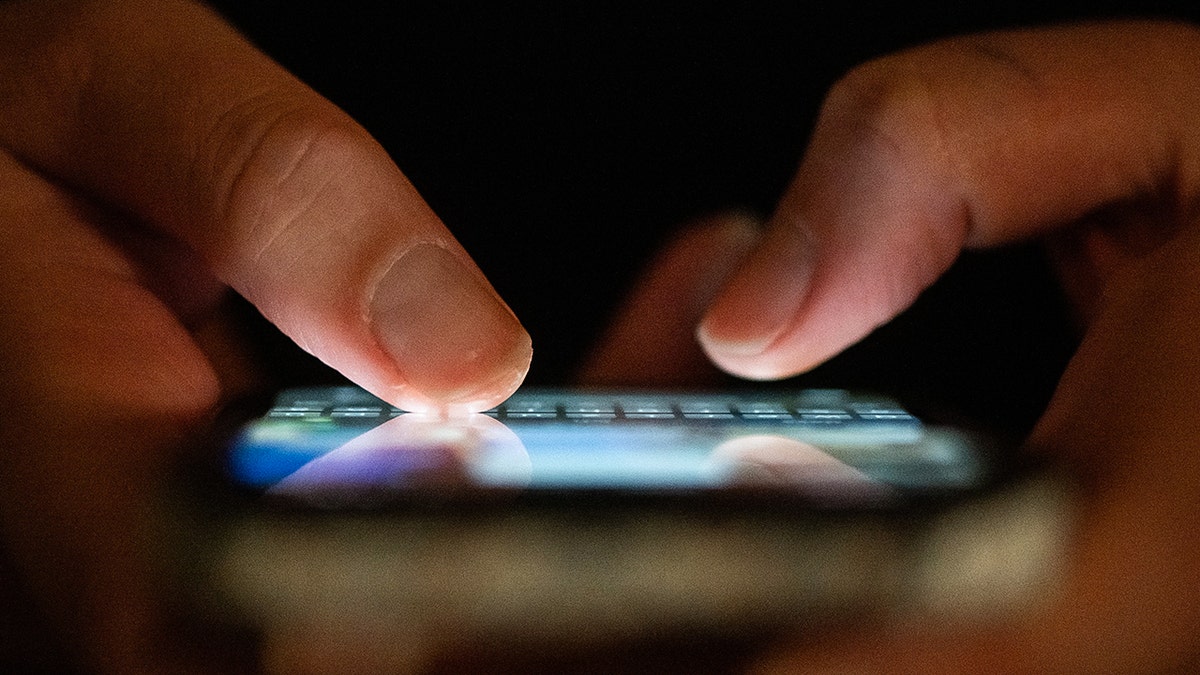
iPhone and Android users can send real-time arrival updates directly from Apple Maps or Google Maps.(Photo by Sebastian Kahnert/picture alliance via Getty Images)
What happens after you share your ETA
Once sharing is active, both apps handle updates automatically.
- Arrival times adjust with traffic
- Delays appear without manual messages
- Sharing ends when you arrive
You can stop sharing at any time from the navigation screen.
Take my quiz: How safe is your online security?
Think your devices and data are truly protected?Take this quick quiz to see where your digital habits stand.From passwords toWi-Fi settings,you’ll get a personalized breakdown of what you’re doing right and what needs improvement.Take my Quiz here: Cyberguy.com.
onelink.me/xLDS?pid=AppArticleLink&af_web_dp=https%3A%2F%2Fwww.
Kurt’s key takeaways
Sharing your ETA on iPhone or Android removes the pressure of keeping others informed while driving.Apple Maps and Google Maps do the work for you.It is a simple habit that improves safety of communication and peace of mind.
Do you use ETA sharing when you drive, walk, or take transit, and has it changed how often people check in on you?Let us know by writing to us at Cyberguy.com.
Sign up for my FREE CyberGuy Report
Get my best tech tips, urgent security alerts, and exclusive deals delivered straight to your inbox.Plus, you’ll get instant access to my Ultimate Scam Survival Guide — free — when you join my CYBERGUY.COMnewsletter.
Copyright 2025 CyberGuy.com. All rights reserved.
![[aggregator] downloaded image for imported item #17025](https://newsview.top/wp-content/uploads/2025/12/hacker-photo-1-1024x576.jpg "Pornhub hit by massive user data leak exposing 200 million records")
![[aggregator] downloaded image for imported item #17151](https://newsview.top/wp-content/uploads/2025/12/return-fraud-photo-1-1024x576.jpg "AI takes on return fraud as holiday returns surge")
![[aggregator] downloaded image for imported item #17439](https://newsview.top/wp-content/uploads/2025/12/data-breach-photo-1-1024x576.jpg "700Credit data breach exposes SSNs of 5.8M consumers")
![[aggregator] downloaded image for imported item #17534](https://newsview.top/wp-content/uploads/2025/12/laptop-chatgpt-photo-1-1024x576.jpg "OpenAI tightens AI rules for teens but concerns remain")