
![[aggregator] downloaded image for imported item #5300](https://newsview.top/wp-content/uploads/2025/11/tim-cook-holding-apple-watch-1024x576.jpg "Apple Watch sleep score: What your number really means")
This post was originally published on this site.
Apple added a newSleep Score featurethat gives you a single number to sum up how you slept.
It pulls data from your Apple Watch and turns it into an easy rating you can check first thing in the morning.This makes it much easier to understand your sleep without sorting through charts.
Sign up for my FREE CyberGuy Report
Get my best tech tips, urgent security alerts and exclusive deals delivered straight to your inbox.Plus, you’ll get instant access to my Ultimate Scam Survival Guide — free when you join myCYBERGUY.COMnewsletter.
System requirements for Apple Watch Sleep Score
You need an Apple Watch running watchOS 26 or later paired with an iPhone running iOS 26 or later.This feature was tested on an iPhone 15 Pro Max and an Apple Watch Series 11.If you run older software, update your devices before you begin.
iPhone:Settings>General>Software Update>Install iOS 26
Apple Watch:Watch app>General>Software Update>Install watchOS 26
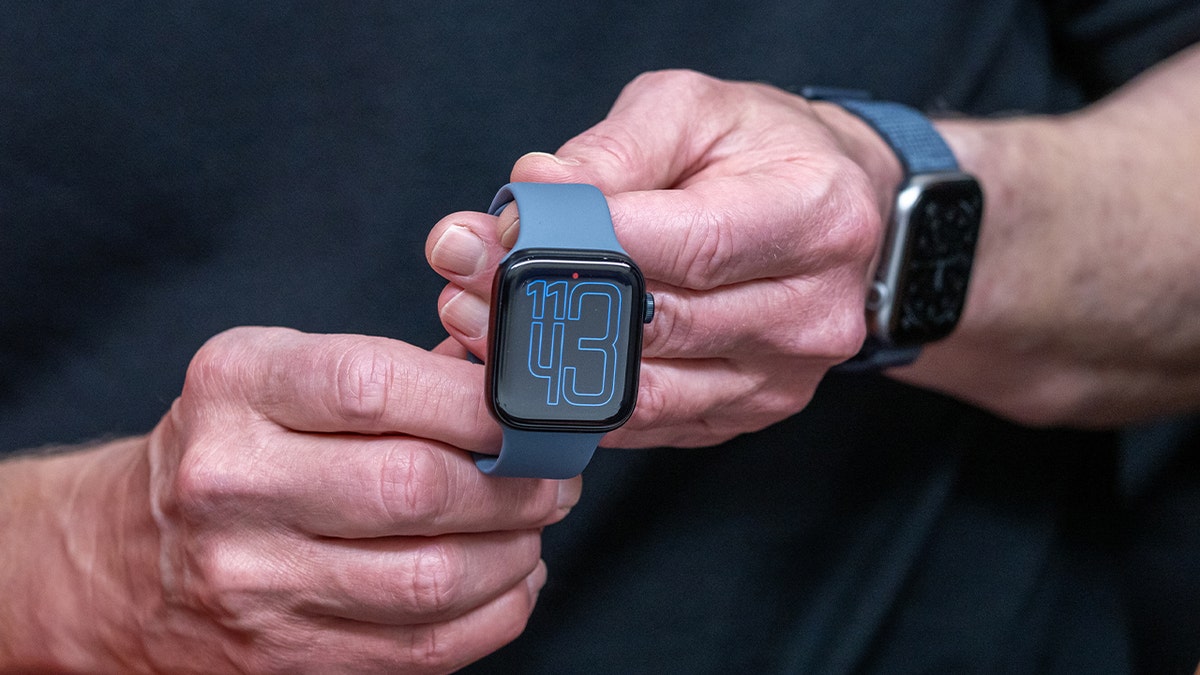
Apple CEO Tim Cook holds up the new Apple Watch Series 11 during a launch event at Apple Park in Cupertino, California, on Sept.9, 2025.(David Paul Morris/Bloomberg)
How to set up sleep tracking on your Apple Watch
It only takes a minute to get your Apple Watch and iPhone working together to monitor yournightly sleep habits.Here’show to do it:
- Open theHealth appon your iPhone.
- Tap theSearch iconin the bottom right of the screen, then chooseSleep.
- TapGet Started, then tapNextif you haven’t set it up before.Otherwise, clickSleepagain.
- Scroll down toYour Scheduleand clickAddto set yourSleep Goalby tapping where it saysBEDTIMEandWAKE UP
- Choose the days you want this schedule active, then tapAdd.
- You can always revise it by clickingEdit.
Once yourApple Watch sleep trackingis set up in the Health app, the Sleep Score appears in both your watch and iPhone.You can view your history and see how your habits change over time.
How to check your Sleep Score on Apple Watch
You can see your Sleep Score right on your Apple Watch as soon as you wake up.The score usually appears within about fifteen minutes and gives you a quick look at how you slept.Here are the steps:
- Press theDigital Crownto open your apps
- Open theSleep app
- Tap the i in the circle next to yourSleep Scoreonce it appears.Then tap theX.
- Use the crown to scroll down to view yourSleep Stages, Time Asleep,andLast 14 Days.
- Open theHealth app on your iPhonefor full charts and history (see below for steps).
This keeps everything fast and simple on your wrist while your iPhone shows the deeper breakdown.
ADAPTIVE POWER IN IOS 26 BOOSTS IPHONE BATTERY LIFE
How to check your Apple Watch sleep score on iPhone
Follow these steps to see your score each morning:
- Open theHealth app
- Tap thesearch iconin the bottom right corner
- SelectSleep
- TapSleep Score
- TapSleep Scoreagain to view more details
- ChooseShow in Chartsto track your score over time
- PickWfor weeks,Mfor months, or6Mfor six months of history
- Look underLevelsto see how many nights fell into each score range
- SelectElementsto check your averageduration, bedtime,andinterruptions
- Tap theinfo iconto learn what each Sleep Score level means
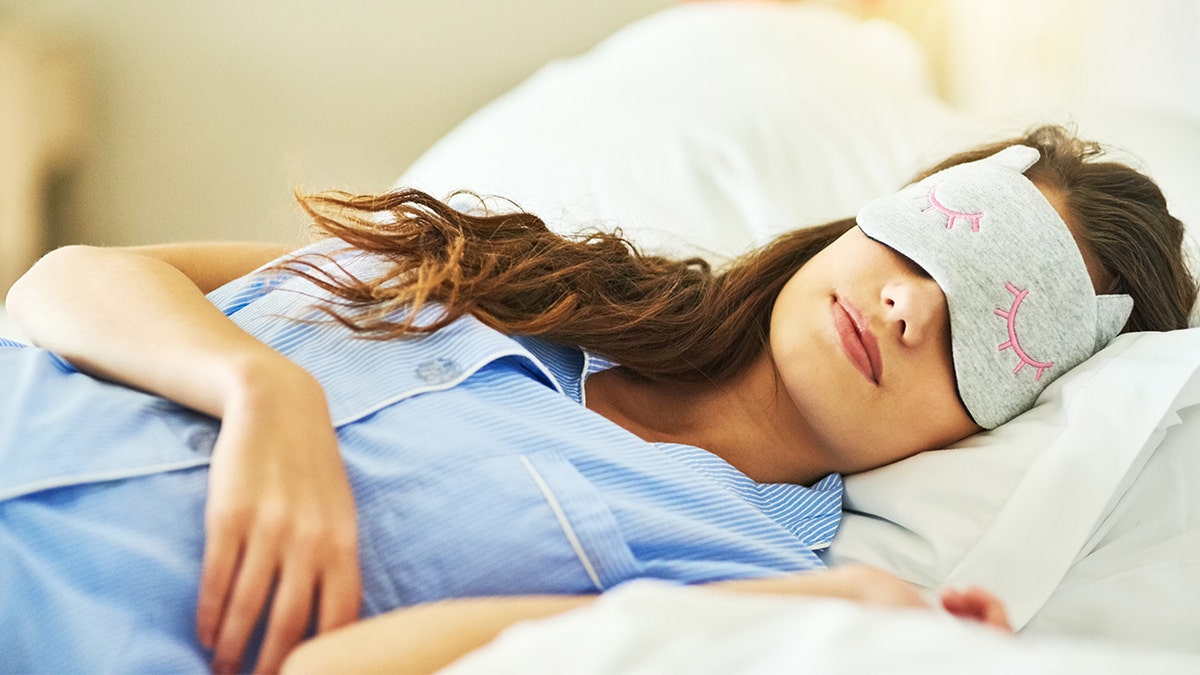
Apple’s new Sleep Score feature gives users a rating each morning to show how well they slept and met nightly goals.(iStock)
How your sleep score works
Your Sleep Score is a number out of 100.Apple uses three main factors to build your final rating.Sleep duration provides up to 50 points.Bedtime consistency offers up to 30 points.Interruptions and wake-ups make up the last 20 points.These elements combine to show how close you came to your nightly sleep goals.
When Apple calculates your score, it places you into one of five levels.These levels help you understand the quality of your rest.They may not always match how you feel in the morning, but they give you a steady way to track trends over time.
ExcellentYour body and mind likely received the rest needed for the day.With consistency, this level may also support long-term health.
HighYou may not have slept perfectly, but you got the sleep you needed.Your night was likely restorative and may still benefit your health over time.
OKAn OK score often means your body and mind did not get the full amount of rest they need.
LowA low score means you did not get enough time to rest and restore.
Very LowAvery low scoresuggests your body did not get the sleep it needs.If you see this level often, it can affect your mental and physical health.
APPLE RELEASES IOS 26.1 WITH MAJOR SECURITY IMPROVEMENTS AND NEW FEATURES FOR IPHONE USERS
Take my quiz: How safe is your online security?
Think your devices and data are truly protected?Take this quick quiz to see where your digital habits stand.From passwords to Wi-Fi settings, you’ll get a personalized breakdown of what you’re doing right and what needs improvement.Take my Quiz here:Cyberguy.com
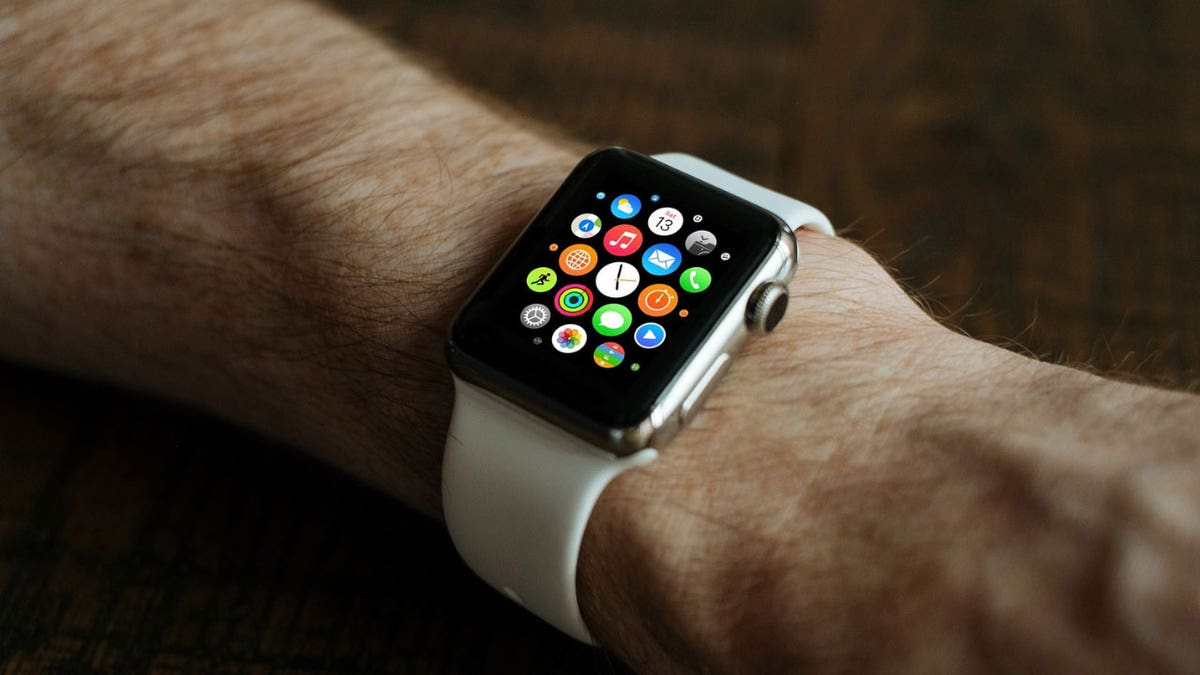
An Apple Watch running watchOS 26 pairs with an iPhone on iOS 26, or later, to track nightly sleep habits.(Apple)
Kurt’s key takeaways
The new Sleep Score makes theApple Watch’s sleep trackingeasier to read and more useful day to day.You get a clear number that shows how your routines guide your rest.If you want a quick pulse check each morning, this tool keeps things simple.
What part of your nightly routine affects your score the most?Let us know by writing to us atCyberguy.com.
onelink.me/xLDS?pid=AppArticleLink&af_web_dp=https%3A%2F%2Fwww.
Sign up for my FREE CyberGuy Report
Get my best tech tips, urgent security alerts and exclusive deals delivered straight to your inbox.Plus, you’ll get instant access to my Ultimate Scam Survival Guide — free when you join myCYBERGUY.COMnewsletter.
Copyright 2025 CyberGuy.com. All rights reserved.
![[aggregator] downloaded image for imported item #2699](https://newsview.top/wp-content/uploads/2025/11/settlement-scam-messages-1024x576.jpg "Geek Squad scam email: How to spot and stop it")
![[aggregator] downloaded image for imported item #2811](https://newsview.top/wp-content/uploads/2025/11/pennsylvania-capitol-1024x576.jpg "Pennsylvania bill seeks to legalize flying cars")
![[aggregator] downloaded image for imported item #2804](https://newsview.top/wp-content/uploads/2025/11/ai-ivf-treatment-1024x576.jpg "How AI is making IVF more predictable")
![[aggregator] downloaded image for imported item #2797](https://newsview.top/wp-content/uploads/2025/11/tiktok-malware-scam-1024x576.jpg "TikTok malware scam tricks you with fake activation guides")