
![[aggregator] downloaded image for imported item #31186](https://newsview.top/wp-content/uploads/2026/01/AppleiPad-1024x576.jpg "YouTube lets parents limit or block Shorts for teens")
This post was originally published on this site.
YouTube is rolling out new parental controls designed to givefamilies more sayover how much time teens spend scrolling through Shorts.
Parents can now set daily time limits or block Shorts entirely, depending on what works best for their household.The update comes as concerns grow around endless scrolling and its impact on teens.
YouTube says these tools are meant to support healthier viewing habits while still allowing young users to enjoy the platform in a more balanced way.
Sign up for my FREE CyberGuy Report
Get my best tech tips, urgent security alerts and exclusive deals delivered straight to your inbox.Plus, you’ll get instant access to my Ultimate Scam Survival Guide – free when you join myCYBERGUY.COMnewsletter.
Why YouTube is focusing on Shorts

Parents can now set a daily time limit for YouTube Shorts, including an option to block Shorts entirely. (AP Photo/Lai Seng Sin, File)
5 PHONE SAFETY TIPS EVERY PARENT SHOULD KNOW
Short-form video has become one of the most addictive parts of social media, especially for teens.The constant scroll can make it hard to stop watching, even when kids are supposed to be studying or winding down for bed.YouTube says thenew controlsrespond to feedback from parents, advocates, and lawmakers who want stronger safeguards for young users.The goal is to give families flexibility instead of forcing an all-or-nothing approach.
What parents can now control on YouTube
If you supervise a teen’s Google account, you can now:
- Set adaily time limit for YouTube Shorts
- Block Shorts entirelyby setting the limit tozero minutes
- Turn onbedtime reminders
- Enabletake-a-break alerts
- Manage supervised teen accounts acrossmultiple devices
YouTube also says it is adjusting howcontentis recommended to teens, placing more emphasis on videos tied to curiosity, life skills, inspiration, and credible information that supports well-being.
How parents limit or block YouTube Shorts for teens
Before you start, make sure:
- Your teen is using asupervised Google account
- You have access toGoogle Family Link
- Your teen issigned into YouTube on their device with that supervised account
Step-by-step instructions
- Open theGoogle Family Linkapp on your phone or tablet (iPhone or Android).
- Tap yourteen’s profile.
- TapControls, then selectYouTube.If YouTube does not appear, confirm the account is set up as supervised.
- If YouTube does not appear, confirm the account is set up as supervised.
- TapScreen timeorShorts settings.
- Find the option labeledShorts daily limit.
- Choose how much time your teen can scroll Shorts each day:Set atime limitto allow limited scrollingSet the limit tozero minutesto block Shorts entirely
- Set atime limitto allow limited scrolling
- Set the limit tozero minutesto block Shorts entirely
- In the same section, turn on:Take a break remindersBedtime reminders
- Take a break reminders
- Bedtime reminders
- Confirm your changes.
The new limits apply immediately.
OPENAI TIGHTENS AI RULES FOR TEENS BUT CONCERNS REMAIN
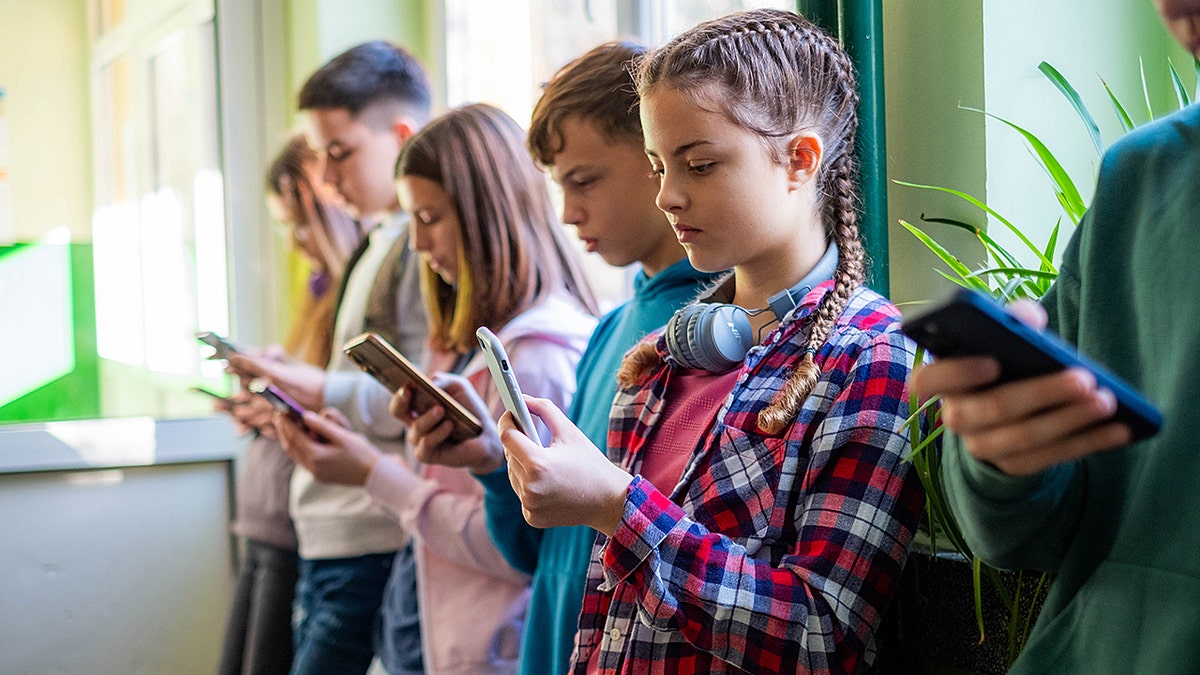
YouTube’s supervised account settings let parents choose age-appropriate content and manage how teens experience the platform.(StockPlanets/Getty Images)
What happens when your teen reaches the Shorts limit
Once the daily limit is reached:
- TheShorts feed locks
- Amessageexplains that the daily limit has been reached
- Shorts unlock automatically thenext day
Regular, long-form YouTube videos remain available unless yourestrict themseparately through screen-time controls.
Important things parents should know
- Teenscannot change or bypassShorts limits on their own
- Limits apply acrossall devicessigned into the supervised account
- Shorts controls areseparatefrom overall YouTube screen-time limits
- Blocking Shorts doesnotblock standard YouTube videos
Other parental tools worth checking
Beyond Shorts, parents can also:
- Turn offautoplay
- Reviewwatchandsearch history
- Adjustcontent recommendations
- Pause YouTube duringhomeworkorsleep hours
These options are managed through Google Family Link, with guidance and account setup available in YouTube’s Family Center.
What this means to you
If you are a parent or guardian, these controls give you more practical ways to manage screen time without banning YouTube entirely.You can limit Shorts during school nights, allow more time on long trips, or block them when focus matters most.Instead of relying on willpower alone, families now have built-in tools that help reinforce healthy habits.
Take my quiz: How safe is your online security?
Think your devices and data are truly protected?Take this quick quiz to see where your digital habits stand.From passwords to Wi-Fi settings, you’ll get a personalized breakdown of what you’re doing right and what needs improvement.Take my Quiz here:Cyberguy.com.
Kurt’s key takeaways
Short-form video is not going away, but the way teens interact with it can change.YouTube’s new parental controls show a shift toward giving families more flexibility and clearer boundaries.Used alongside conversations about online habits, these tools can make a real difference.Oh, and be sure to check out my new“Beyond Connected”podcast on YouTube.

YouTube says these new parental controls are designed to reduce endless scrolling and support healthier viewing habits for teens.(Kurt “CyberGuy” Knutsson)
How much control do you think parents should have over teens’ screen time, and where should the line be drawn?Let us know by writing to us atCyberguy.com.
onelink.me/xLDS?pid=AppArticleLink&af_web_dp=https%3A%2F%2Fwww.
Sign up for my FREE CyberGuy Report
Get my best tech tips, urgent security alerts and exclusive deals delivered straight to your inbox.Plus, you’ll get instant access to my Ultimate Scam Survival Guide – free when you join myCYBERGUY.COMnewsletter.
Copyright 2026 CyberGuy.com. All rights reserved.
![[aggregator] downloaded image for imported item #17025](https://newsview.top/wp-content/uploads/2025/12/hacker-photo-1-1024x576.jpg "Pornhub hit by massive user data leak exposing 200 million records")
![[aggregator] downloaded image for imported item #17151](https://newsview.top/wp-content/uploads/2025/12/return-fraud-photo-1-1024x576.jpg "AI takes on return fraud as holiday returns surge")
![[aggregator] downloaded image for imported item #17439](https://newsview.top/wp-content/uploads/2025/12/data-breach-photo-1-1024x576.jpg "700Credit data breach exposes SSNs of 5.8M consumers")
![[aggregator] downloaded image for imported item #17534](https://newsview.top/wp-content/uploads/2025/12/laptop-chatgpt-photo-1-1024x576.jpg "OpenAI tightens AI rules for teens but concerns remain")